Last Updated on 9 November 2026 by Editorial Team
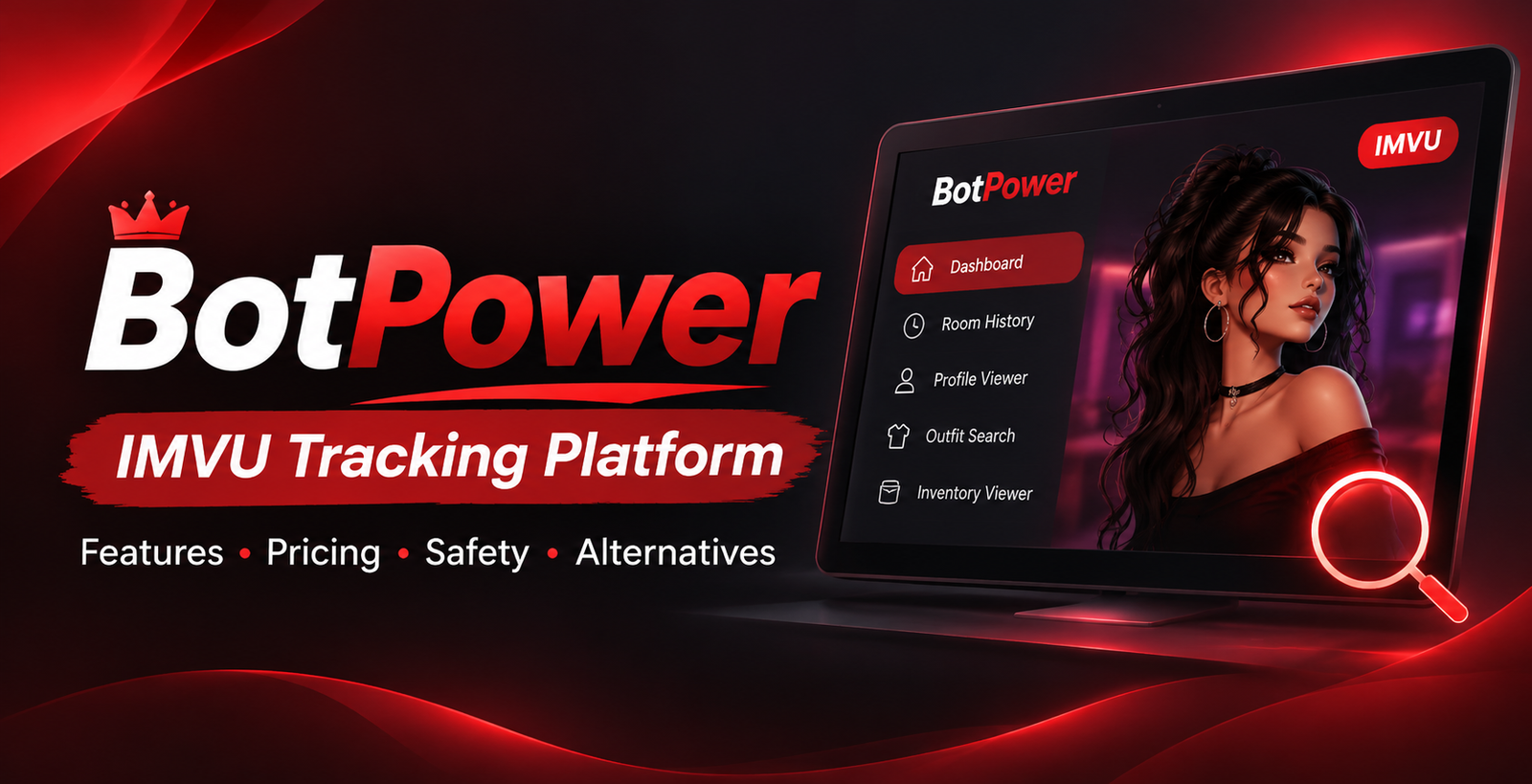
BotPower is an online platform for those who wish to delve into the various sides of IMVU, be it user profiles and room activity or virtual wares and product inventories. By collating a number of IMVU tools in one place, it spares the user from having to move between different services to get information.
Among its offerings are an IMVU tracker, room history, a profile viewer, outfit search, and an inventory viewer. While some of these can be used at no cost, others are behind a paywall or require tokens.
What does BotPower have to offer precisely? How is the tracking system put to work, and which of the features merit a look? This guide is meant to set out the platform’s principal tools, its pricing, privacy matters, any limitations and what alternatives exist so as to give a clear picture before one makes use of it.
What Is BotPower?
In short, BotPower is a third-party analytics and tracking service for IMVU. It is a collection of utilities for monitoring certain user activities, perusing rooms, viewing profiles and checking on outfits. Instead of being single-purpose, the dashboard combines several functions. Depending on the subscription, users may find room data, do avatar lookups and run searches on virtual products.
The site is of interest to anyone who puts in time in IMVU’s virtual world. An individual with an eye for avatar fashion will make use of the outfit tools; another might be after a room he has been in before. There are also more advanced options like the Live Tracker, Auto Private Tracker, Catalog and Inventory Viewers.
One should bear in mind that BotPower is not an official arm of IMVU. It is an independent operation and the information it shows should not be taken as something provided or vouched for by IMVU itself.
Main Features of BotPower
The tools on offer serve a range of ends, from the provision of straightforward profile and room details to more involved product discovery and activity oversight.
IMVU Room List and Room History
These are basic fare on the platform. The Room List is for exploring what is on offer in the way of virtual spaces. Room History is there to put on display what has been recorded in the past. They are not quite the same thing; historical data can jog a user’s memory of a room encountered previously. For those wanting to review their own room-related history the feature is handy, though the accuracy of what is shown is down to the platform’s data and how well it tracks.
Profile Viewer
An IMVU profile has the kind of detail needed to put an avatar in context within the virtual world. The Profile Viewer presents this in a separate interface, useful for someone who does not want to be turning pages to explore an avatar. As one of the free features, it is often where new users will start.
IMVU Outfit Viewer
Given the role virtual fashion plays on IMVU, with users mixing and matching clothes, hair and accessories to put together an appearance, the outfit viewer is made to simplify the process of looking into such things. Those into styling can identify products and see what combinations are possible. A Plus plan subscriber has access to a distinct Outfit Search function. For the creator or enthusiast it is a matter of convenience.
Inventory Viewer
For a more in-depth look at the items tied to an IMVU account there is the Inventory Viewer. Where a simple outfit lookup will only go so far, the inventory tools are concerned with the products of an avatar. It is a means of doing research on virtual fashion pieces. This is part of the Plus subscription, but users would do well to consult the documentation as to what can and cannot be accessed.
Live Tracker
A paid offering, the Live Tracker is put forward as a way to get more up to the minute information on rooms and users as opposed to what has been put on record. It is not a room history tool. BotPower touts it as part of the Plus package but the website is not forthcoming on the technical side as to update frequency or whether all accounts and rooms are covered.
Auto Private Tracker
This is for automated purposes. The platform says it will handle the monitoring of up to three people over 30 days and includes entry and exit alerts as well as notifications via Discord. It is sold on the premise of ongoing surveillance rather than the odd check-in that a standard room tracker might provide. Do not assume it can get into every private room or override IMVU’s privacy settings; the fine print in the documentation will tell you the limits.
Catalog Viewer and Newest Creators
To make the job of finding virtual goods easier there is the Catalog Viewer, which is of use to those after furniture, clothing and the like. The Newest Creators section is for seeing what is being put out by people adding to the platform. Both are Premium plan features.
3D Room Rendering and Other Advanced Tools
If one looks at the feature comparison on the site there is also 3D Room Rendering, Chat Spy, Message and Voice Search and Live Spy listed among the available functionality. 3D Room Rendering, for instance, is concerned with the visual depiction of virtual spaces; message-oriented tools are of a different order. Yet the public documentation will not go into the full technical scope of every advanced tool one might find. One should not take the name of a tool as evidence it can get at private messages, conversations or account data.
BotPower Pricing: Free, Plus and Premium
BotPower has a mix of free access and paid plans based on tokens so that users can pick a package to suit the tools they wish to use. The table below gives an overview of the plans on offer.
| Plan | Advertised price | Main features |
| Free | €0 forever | Room List, Room History, Profile Viewer, Outfits |
| Plus | 15 tokens / 30 days | Live Tracker, Force Join, Inventory Viewer, Outfit Search |
| Premium | 20 tokens / 30 days | Plus features, Catalog Viewer, Newest Creators |
| Auto Private Tracker | 20 tokens / 30 days | Automated monitoring and Discord notifications |
The Free plan is where one would start if basic profile, outfit and room tools are all that is required. For more in the way of tracking and inventory there is Plus, and Premium has extra options for product and creator discovery.
Then there is Safelist Protection, which BotPower sells as a separate add-on at 10 tokens for 30 days or 100 for a year per protected account. Most of the paid features are priced in tokens rather than a direct currency amount, so it is advisable to check the token rate before committing to a plan.
What Is BotPower Safelist Protection?
This is a privacy feature from the platform for IMVU users who do not wish their account details to show up in some of BotPower’s tools. A username put under protection is hidden from the service’s Profile Viewer, Room List and History, Outfits, Inventory, Live Tracker, Chat Spy, Message Search and 3D Rendering. It is something for those wary of how third-party trackers present their information. The caveat is that this protection is limited to BotPower; it offers no guarantees against other sites or independent tools. The privacy settings on one’s official IMVU account should still be reviewed.
Is BotPower Free to Use?
In the sense that it has a free plan, yes. The basic package comes with Room List, Room History, Profile Viewer, Outfits and support at no cost. But to get at the likes of the Live Tracker or Inventory Viewer one needs Plus, and the Catalog Viewer and Newest Creators are a Premium matter. A user does not have to pay to make use of the platform if the free tools are sufficient.
Is BotPower Safe?
As a third-party service it is prudent to look into the security and privacy aspects. BotPower puts out its Terms of Service and makes clear it has no affiliation with IMVU. Payments are run through Stripe and the company says it does not hold payment info. That said, such particulars do not vouch for the security of each and every feature or tell you precisely how tracking data is put away.
A few things to bear in mind:
- Keep your IMVU password to yourself when dealing with an unknown third party.
- See what a service is asking for before you put down an account.
- Look over the conditions for refunds and payments prior to buying tokens.
- Refrain from using the tracking functions to hound others.
- Make use of the official IMVU privacy and security options.
The terms also have it that digital goods cannot be returned and the purchaser must be 18 or over. Caution is warranted with any third-party tool that has access to personal or account activity.
How to Access BotPower
The way to get to the platform is via the official site. It is a simple enough process: go to the website, have a look at the pricing and what is on hand, then select the tools needed and follow the instructions to the dashboard. The documentation is there for individual tools. There is also a Discord community for users to get information on the platform and its IMVU tools. Before putting down for a subscription, be sure you know what the token requirements are.
BotPower Alternatives: What Else Can You Use?
While BotPower brings together a number of IMVU utilities it is not for everyone. Some are after public profiles only, others want to find virtual products or style an avatar. The right alternative is dictated by the job to be done, not how many tracking features are being put forward.
IMVU: The official platform is the place to go for profiles, virtual rooms, avatar customization and the product catalog. For those wishing to make their way in the virtual world without an independent tracking service it is the most straightforward choice.
IMVU Creator tools: Those with an eye for developing virtual products or fashion can put IMVU’s creator resources to use. They are of more relevance to product development and the like.
Official IMVU support: The support center should be used by users in need of account help, privacy advice or resolution of security matters.
One should not confuse these with what BotPower has to offer. An official feature from IMVU is not to be put on a par with a private-room tracking tool if it does not have that capacity.
Frequently Asked Questions About BotPower
What is the purpose of BotPower?
It is an IMVU platform for profile and room history viewing, outfit and inventory discovery as well as other forms of analytics and tracking.
Is it an official site of IMVU?
No. As an independent third party its Terms of Service make clear there is no affiliation with IMVU Inc. or Together Labs.
Does BotPower have a free tracker for IMVU?
There are some free tools on the platform such as Room List, Room History, Profile Viewer and Outfits. More advanced tracking will call for a paid plan.
Cost of BotPower?
The Plus plan is 15 tokens for 30 days and Premium 20. The Auto Private Tracker is also 20 tokens for 30 days. Be aware that prices and availability are subject to change.
What does Room History do?
It is for putting previously recorded activity on display. Do not mistake it for a live tracking tool which is concerned with updates as they happen.
Can private IMVU rooms be tracked?
BotPower puts forward an Auto Private Tracker for this, with claims of automated scanning, Discord notifications and alerts for entry and exit. The public documentation does not fully spell out the technical limits of the feature though.
What is Safelist Protection?
For a fee one can hide chosen IMVU accounts from some of BotPower’s lookup and tracking. This protection does not apply to outside third-party services.
Is there a Discord server?
Yes, the official website has a link to the community. Users can find the current invitation and information there.
Is it possible to use BotPower without tokens?
With the Free plan one has access to a number of basic features. Tokens are needed for the rest.
Is it worth a try?
That is up to your requirements. The free options may be enough to get by with for exploring rooms, profiles and outfits. But anyone wanting the more advanced tracking or inventory tools would be well advised to look at the token costs and privacy implications before parting with payment.
Final Thoughts
In one platform BotPower has a host of IMVU tools at hand, from profile and room history to outfit and inventory searches and the more advanced side of tracking. The free plan is a good place to start; Plus and Premium add to that with a token system. Then there are the likes of Auto Private Tracker and Safelist Protection for more particular needs. It is best to have a clear idea of what each tool does and where it falls short, and how it deals with privacy. A review of the latest pricing and documentation before going with a paid option will preclude any confusion.
